

In the last few decades, many (billions) of dollars have been invested in developing new consumer technologies for using different types of online materials like web sites, e-commerce, and social networking sites. Rapid advancements in technology have created a large gap between what users expect from the internet today and what they expected a short time ago especially in how they feel that the internet enhances their experience digitally. This means that the design of user experiences (UX) and user interfaces (UI) is a very important way that we can use technology to enhance user experiences on desktop and mobile devices. The use of animation and interactivity in user interface Design is one of the best ways to use technology to provide a pleasant, easy to use experience.
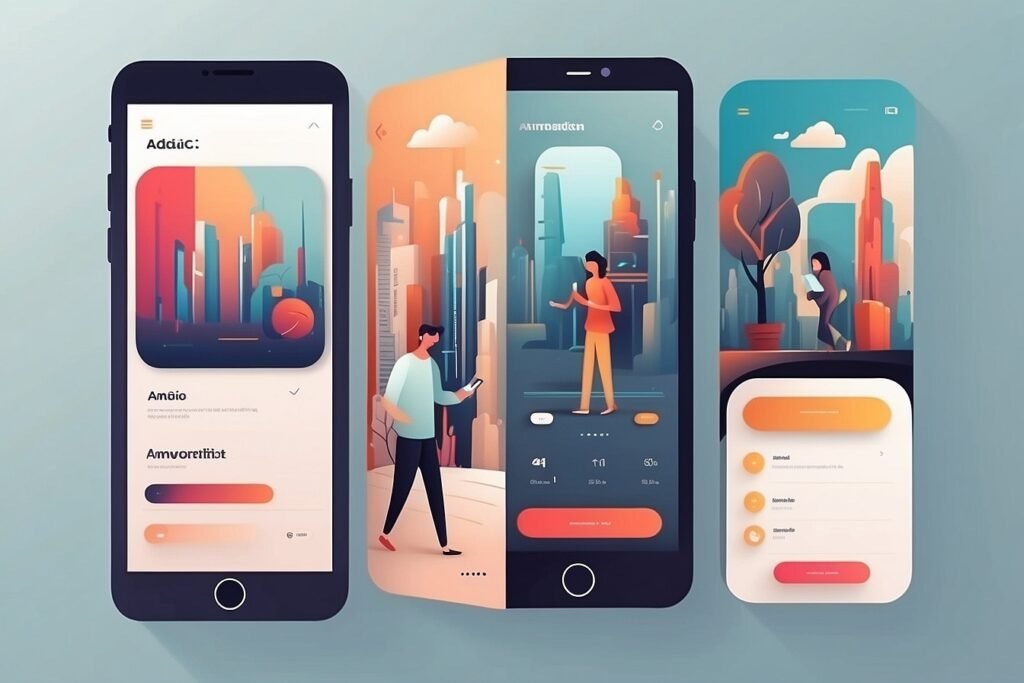
By using animations in your user interfaces there are numerous advantages that improve the usability and user experience of a particular product such as helping to provide users with visual guidance as they navigate through your app. A major benefit of animated designs is that they allow users to easily interact with your user interface.
Any kind of animation and/or interactively designed user interfaces allow users to interact by clicking on things, tapping on things, or scrolling through things. When using both types of animation in a that type of design the visual content works together to create a seamless interaction for a user.
The Importance of Animation in UI/UX Design
UX lends itself well to being animated. Animation shows users how to use a specific product and what types of interactions can be created. Without sufficient feedback, users won’t know what actions they are able to take.
If visual representation of complex processes via animation reduces cognitive load, then an example of that would be a loading animation (while the system is busy) to let the user know something is happening; and animation ( in terms of transition between screens) to create the illusion of smooth transitions/continuity when moving between screens.
As a result of creating an emotional response to a user via animations, users have a personal attachment to products through microtransactions with little ‘nuanced’ differences in motion that add realism to a product’s appearance.
Key Principles of Interface Animation
To produce successful animated interfaces, Designers must adhere to some key principles, including; Clarity (Ensure Animations Facilitate Understanding To The User and Are Not Distracting). Consistency (All animations related to a given action should maintain the same appearance – Remember…). Speed — Animations should be of sufficient duration to maintain user engagement while providing adequate time for users to register visual information produced by the animation). Purpose (Every animation must have an obvious functional purpose). By utilizing these principles, Designers will be able to develop animated interfaces that augment or improve usability and do not adversely affect it.
Tools and Technologies
To create/produce interactive animated projects there are many different types of tools needed for both designing and prototyping the project itself such as adobe after effects, figma, and principle.
After your interactive animated projects are created, a developer will use your design to develop an actual functioning animated project via CSS animations & JavaScript Libraries or Frameworks (for example React). Both designers and developers will work together to bring their conceptual projects into real-world applications using the same tools.
Mobile vs Web Interfaces
The basic designs of web and mobile platforms have many similarities, but they also have many unique design issues that must be taken into account. One of these issues is the way the user interacts with the website via a keyboard and mouse on the web vs. the touch interface of mobile devices.
There are several considerations that influence design decisions for each of these platforms (web vs. mobile). These considerations include the screen size/screen resolution of the user’s device, the performance of the user’s device, and how the user interacts with either the web or mobile device (e.g., while walking down the street vs. when sitting at home) – mobile devices have much tighter performance constraints regarding the use of animation, so a mobile application should use an absolute minimum of animations in order to minimize, and improve, user performance delivery; conversely, the performance of the internet (web) can support much more animated features than the performance of a mobile device without significantly impacting (in terms of performance) or delaying the user while they complete their task (on the web).
Real-World Applications
There are many industries where animated interactions occur on a daily basis, including e-commerce sites utilizing animations to display a workflow of how to proceed to checkout or social networking sites that utilize animations to provide a more enjoyable experience for users while they interact with their friends. In addition to being used by a majority of educational sites to assist in the ease of learning and retaining knowledge, there are limitless possibilities for what can be accomplished with animation. As a designer of animated interfaces, it is imperative to understand that animation is an invaluable skill set that can help you create innovative animated interfaces.
Animated interfaces are changing the way users will interact with digital products by creating a user experience that integrates both the designer’s design expertise with the development technology of the developers to provide a user interface experience that meets both functional and aesthetic requirements.
With the increasing demand for user-friendly user interfaces, designers who possess the ability to create effective animations will be at an advantage in the marketplace. Therefore, it is essential to gain the knowledge and skills necessary to create animations for user interface and user experience creation as part of being a successful UI designer.